

iOS - Usage Instructions
iOS App Coming Soon - Add our page to your home screen for quick and easy access!
Creating a New Service Request
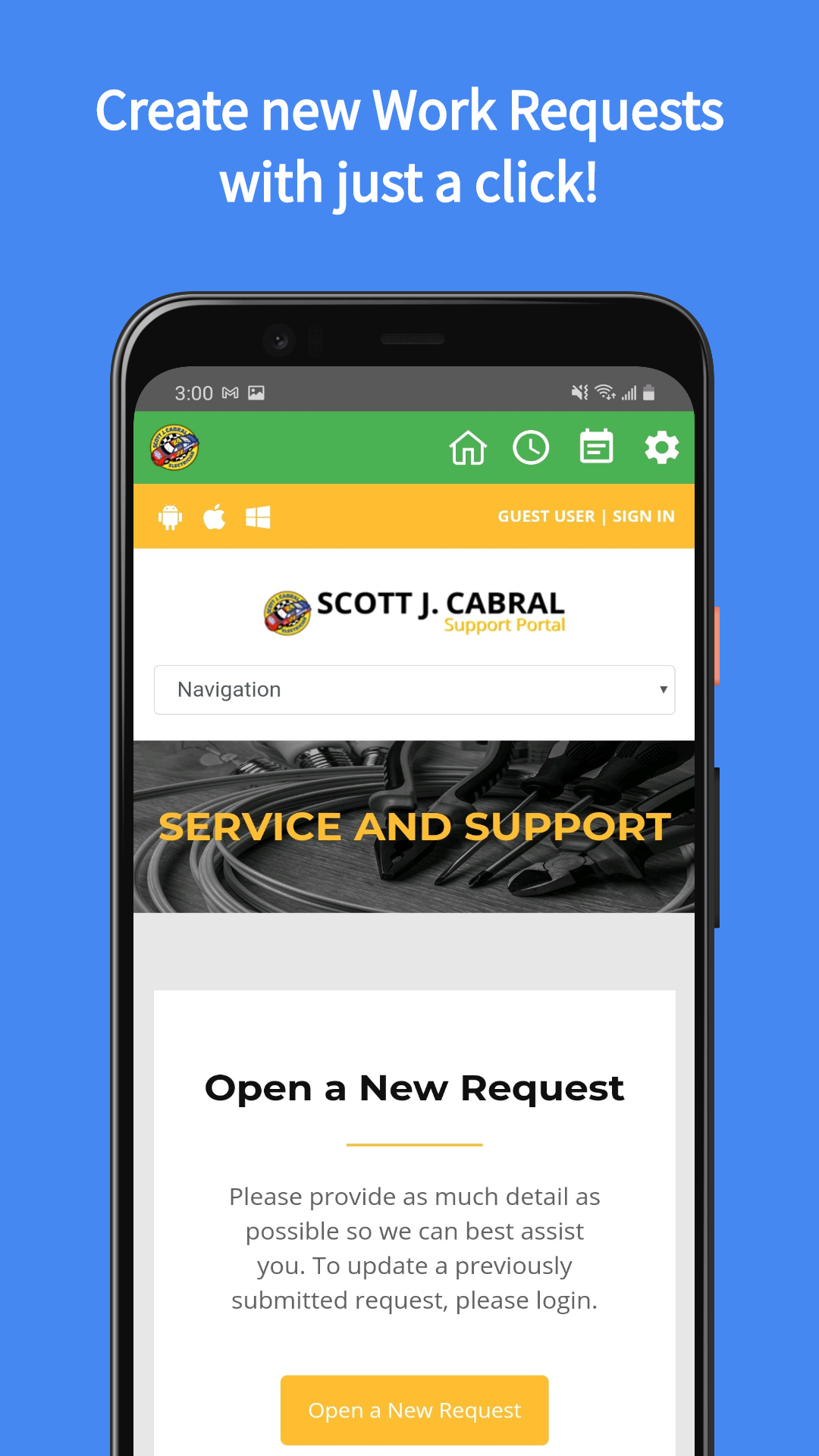
All you need to do is click a button to start your Service Request! From any page on this site, you can click one of the links labeled OPEN A NEW REQUEST. From there, simply fill out your basic contact information. Make sure the information you enter is accurate so we can contact you quickly!CONTACT INFORMATION
- Full Name *
- Company Name *
- Email Address *
- Phone Number
Tell us once, and you'll never need to tell us again! When you create an account, we will store this information so your next Work Request will be quicker and more efficient!
- General Inquiry
- Service Request
What level of support are you looking for? If you have a general question about a problem, or you would like to ask about the services we provide, you can select General Inquiry. To request service, repairs, installs, and more, you can select Service Request.
- Priority Level
- Cost Center
- Summary
- Request Description
When selecting Service Request, two new drop down menus (Priority Level and Cost Center) will appear. These are required fields and must be filled out.
Priority Level to gauge you level of importance on this Service Request.
Cost Center can be selected if applicable, otherwise you can simply leave it at N/A.
Summary is going to be a brief title that summarizes your issue.
Request Description should be as detailed a description as you can provide about the issue or request you have, or problem you need to solve.
You can even Attach a File, such as pictures you may have to help visualize your request, or even PDF files and drawings. Communication is always key! By providing us with more information, you are helping us better understand your problem, and offer a quicker path to a solution.
View your Requests
Once you create a Work Request, you can access it at any time to modify its details, view its status, or even communicate with the technicians who will be solving your issues.